The Changelog
What's new around here?
Succinct and informative updates about Flux.
April 17, 2026
Color picker
Version ^2.14.0
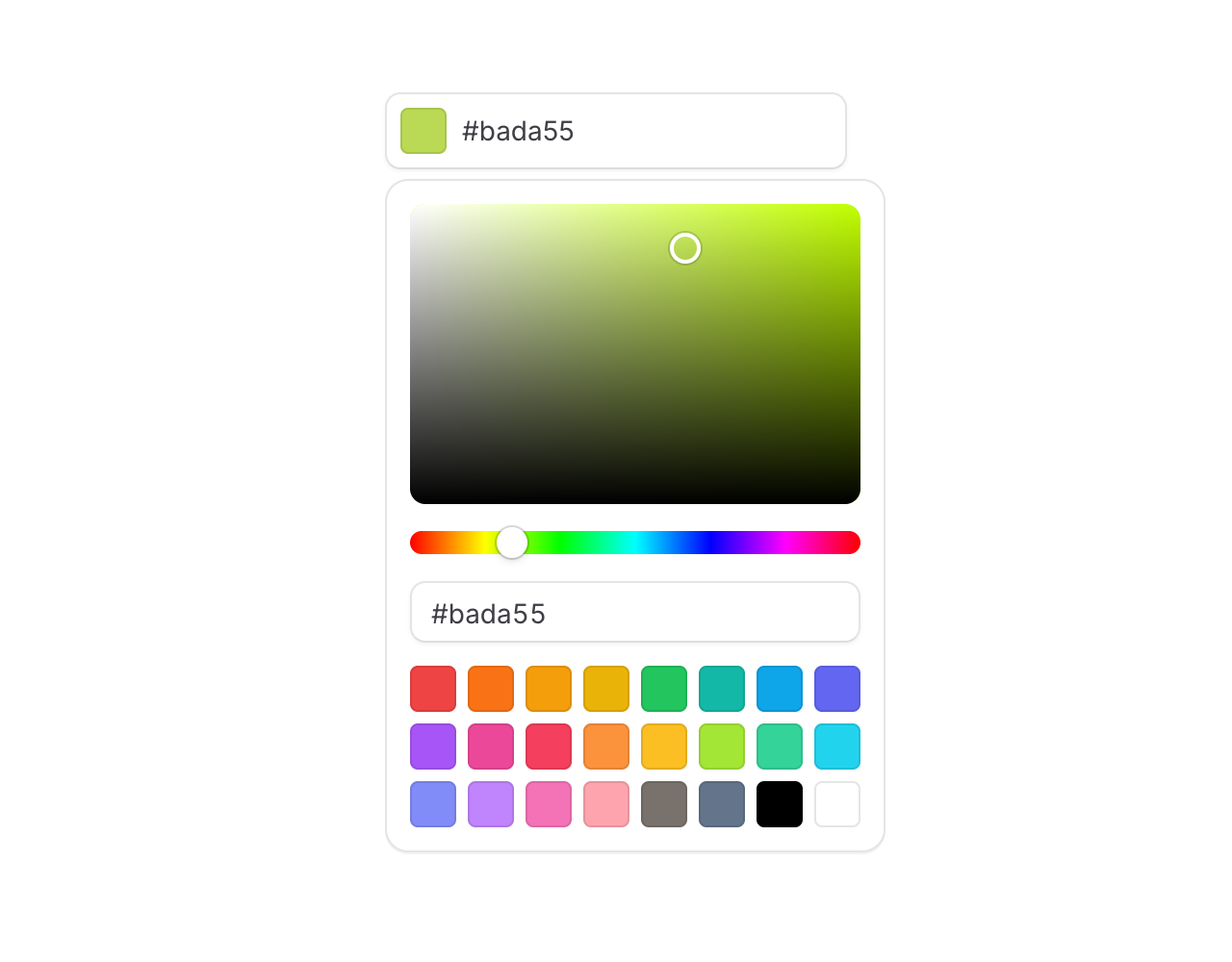
Meet the new snazzy Color picker input. Good for theme settings, brand pickers, and anywhere your users need to choose a color.
Copy to clipboard
<flux:color-picker wire:model="theme" />Type or paste anything
The default trigger is a text input, and it's surprisingly forgiving about what you throw at it. Hex, RGB, HSL, with or without alpha, spaces, parens, missing # — it all just works:

Every format, alpha included
Use the format prop to pick your output. Alpha-aware formats automatically render an alpha slider in the popover:
Copy to clipboard
<flux:color-picker format="hex" /><flux:color-picker format="hexa" /><flux:color-picker format="rgb" /><flux:color-picker format="rgba" /><flux:color-picker format="hsl" /><flux:color-picker format="hsla" />Bring your own swatches
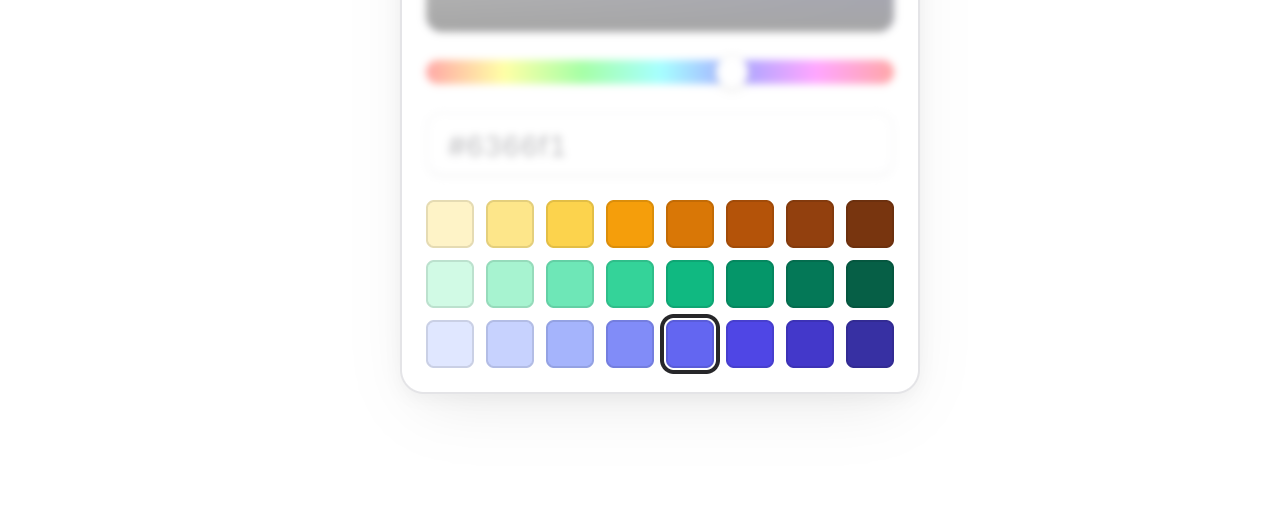
The default palette is 24 Tailwind colors, but swapping in your brand colors is a one-liner. Pass an array of hex values, or [value, label] pairs for accessible swatch labels:
Copy to clipboard
<flux:color-picker :swatches="['#ef4444', '#22c55e', '#3b82f6', '#f59e0b', '#a855f7']" /><flux:color-picker :swatches="[['#ef4444', 'Red'], ['#22c55e', 'Green'], ['#3b82f6', 'Blue']]" />Eye dropper support

Add the dropper prop and the picker gets a button that lets users sample a color from anywhere on their screen — a logo, a screenshot, another part of your app:
Copy to clipboard
<flux:color-picker dropper />Under the hood this uses the browser's EyeDropper API. In browsers that don't support it, the button is automatically disabled so nothing breaks.
Compose your own layout
One of our favorite parts: the popover is fully composable. Every element inside the picker is fully under your control.
Copy to clipboard
<flux:color-picker> <div class="flex flex-col gap-3"> <flux:color-picker.input placeholder="#000000" /> <flux:separator /> <flux:color-picker.area /> <flux:color-picker.slider channel="hue" /> </div></flux:color-picker>You get flux:color-picker.area, .slider, .input, .swatches, .swatch, and .dropper — mix and match to build a compact swatch-only picker, a canvas-only picker, or anything in between.
Accessibility
And of course, we went to great lengths to make sure this component honors expected keyboard navigation, focus behavior, and proper aria-labels so that screen readers can use it just as well.