The Changelog
What's new around here?
Succinct and informative updates about Flux.
February 27, 2026
Progress bar
Version ^2.13.0
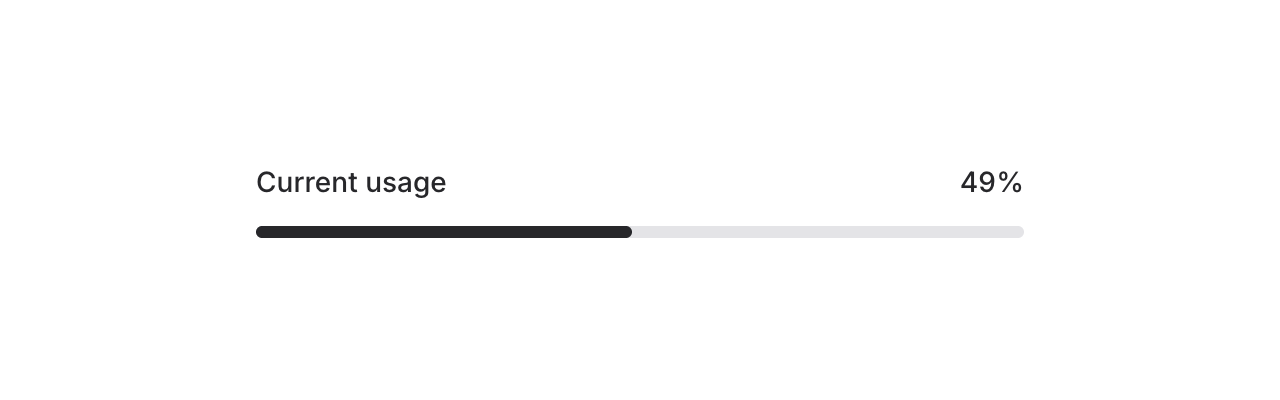
Meet the new Progress component — a simple, flexible progress bar for showing completion, upload status, or any value-over-max scenario in your app.
Copy to clipboard
<flux:progress value="75" />By default, the max is 100 and the bar uses your app's accent color. Let's take a look at what else it can do.
Custom max values
Not everything is a percentage. Use the max prop for custom scales — steps in a wizard, files in a batch, levels in a game, whatever:
Copy to clipboard
<flux:progress value="3" max="7" />Color and height

Override the fill color with the color prop, and adjust the height with a Tailwind class:
Copy to clipboard
<flux:progress value="75" color="purple" /><flux:progress value="75" class="h-3" />Dynamic binding
Bind the progress value to a Livewire property using wire:model so it updates in real-time:
Copy to clipboard
<flux:progress wire:model="progress" />This is perfect for long-running tasks like file uploads, data imports, or background jobs where you want to reflect server-side progress as it happens.
Accessibility
And of course, we went to great lengths to make sure this component honors expected keyboard navigation, focus behavior, and proper ARIA attributes so that screen readers can communicate progress status just as well.