The Changelog
What's new around here?
Succinct and informative updates about Flux.
November 26, 2025
Skeleton
Version ^2.9.0

Loading states matter. A well-designed skeleton keeps users engaged while content loads, making your app feel faster and more polished.
Introducing Skeleton, a flexible component for creating placeholder content.
Copy to clipboard
<flux:skeleton.group animate="shimmer" class="flex items-center gap-4"> <flux:skeleton class="size-10 rounded-full" /> <div class="flex-1"> <flux:skeleton.line /> <flux:skeleton.line class="w-1/2" /> </div></flux:skeleton.group>Text placeholders

The skeleton.line component mimics real text—it occupies the full line-height but renders a slimmer bar, giving it the natural proportions of actual text:
Copy to clipboard
<flux:skeleton.group> <flux:skeleton.line class="mb-2 w-1/4" /> <flux:skeleton.line /> <flux:skeleton.line /> <flux:skeleton.line class="w-3/4" /></flux:skeleton.group>Animation options

Choose between shimmer and pulse animations, or go with no animation at all. The skeleton.group component lets you set the animation once and have all child skeletons inherit it:
Copy to clipboard
<!-- Shimmer animation --><flux:skeleton.group animate="shimmer"> <flux:skeleton.line /></flux:skeleton.group><!-- Pulse animation --><flux:skeleton.group animate="pulse"> <flux:skeleton.line /></flux:skeleton.group><!-- No animation --><flux:skeleton.line />Real-world examples
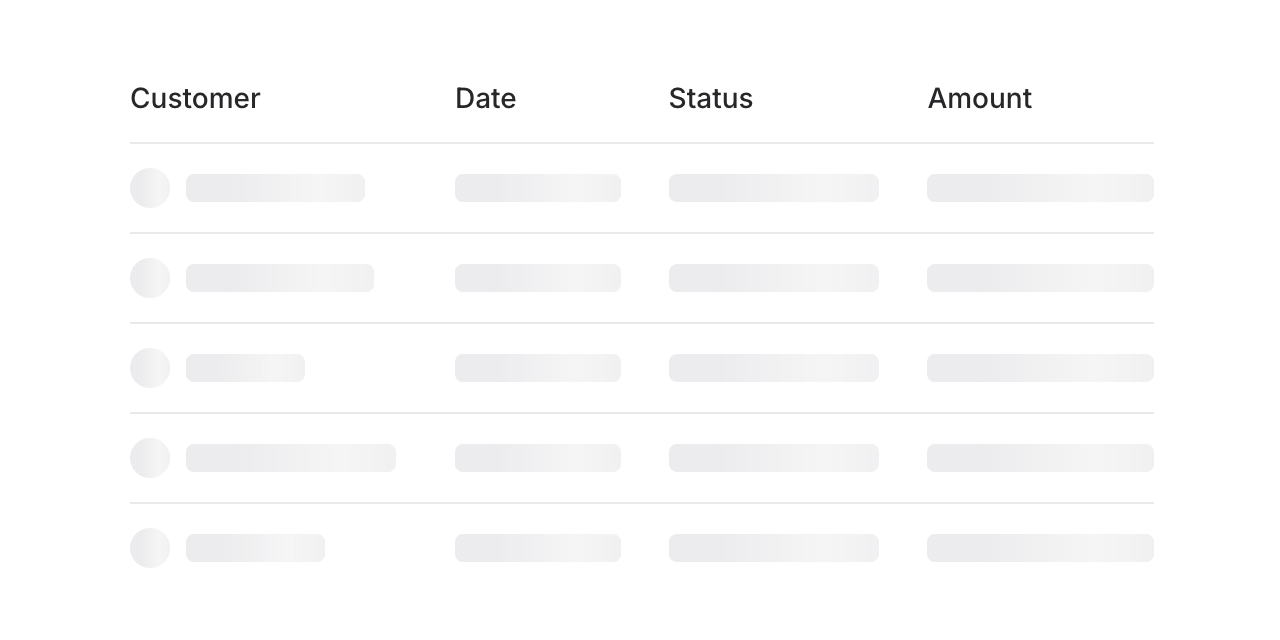
Build skeleton states for anything—tables, cards, charts, profiles. Here's a table loading state:
Copy to clipboard
<flux:skeleton.group animate="shimmer"> <flux:table> <flux:table.columns> <flux:table.column>Customer</flux:table.column> <flux:table.column>Date</flux:table.column> <flux:table.column>Status</flux:table.column> </flux:table.columns> <flux:table.rows> @foreach (range(1, 5) as $i) <flux:table.row> <flux:table.cell> <div class="flex items-center gap-2"> <flux:skeleton class="rounded-full size-5" /> <flux:skeleton.line /> </div> </flux:table.cell> <flux:table.cell> <flux:skeleton.line /> </flux:table.cell> <flux:table.cell> <flux:skeleton.line /> </flux:table.cell> </flux:table.row> @endforeach </flux:table.rows> </flux:table></flux:skeleton.group>Check out the Skeleton documentation for more examples and the full API reference.